> For the complete documentation index, see [llms.txt](https://sync.wiki.mksdtech.com/llms.txt). Markdown versions of documentation pages are available by appending `.md` to page URLs; this page is available as [Markdown](https://sync.wiki.mksdtech.com/installation/windows-installer.md).
# Installer for Windows
Install Rhino Sync on Windows with the installer.
The installer adds Rhino Sync to Rhino 8 and Rhino 9 for every user on the computer. You need administrator rights.
{% stepper %}
{% step %}
### Download
Download the installer from [mksdtech.com/downloads](https://www.mksdtech.com/downloads?product=rhino-sync). The page asks for your email address.
{% endstep %}
{% step %}
### Close Rhino
Close every Rhino window before you run the installer.
{% endstep %}
{% step %}
### Run the installer
Run `Rhino.Sync.exe`.
If Windows SmartScreen appears, click **More info**, then **Run anyway**.
To skip SmartScreen, right-click the file, click **Properties**, select **Unblock** and click **OK** before you run it.
{% endstep %}
{% step %}
### Follow the wizard
Click **Next >**.
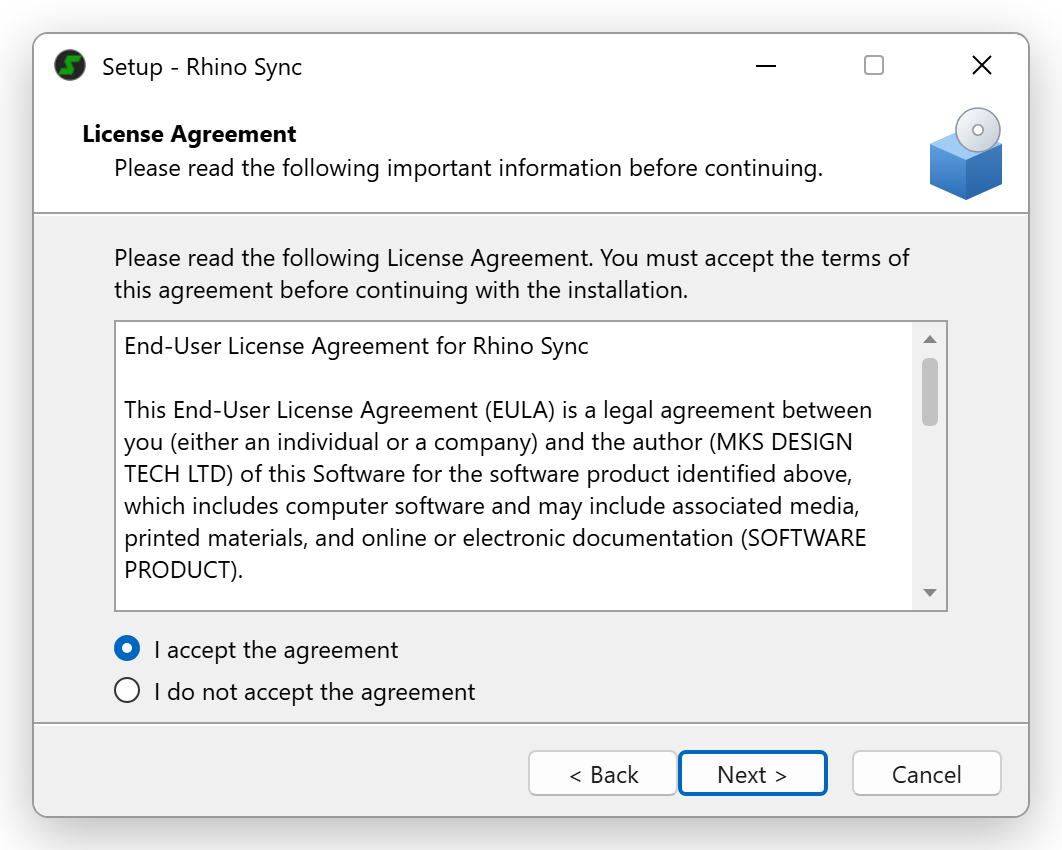
Read the licence agreement, select **I accept the agreement** and click **Next >**.
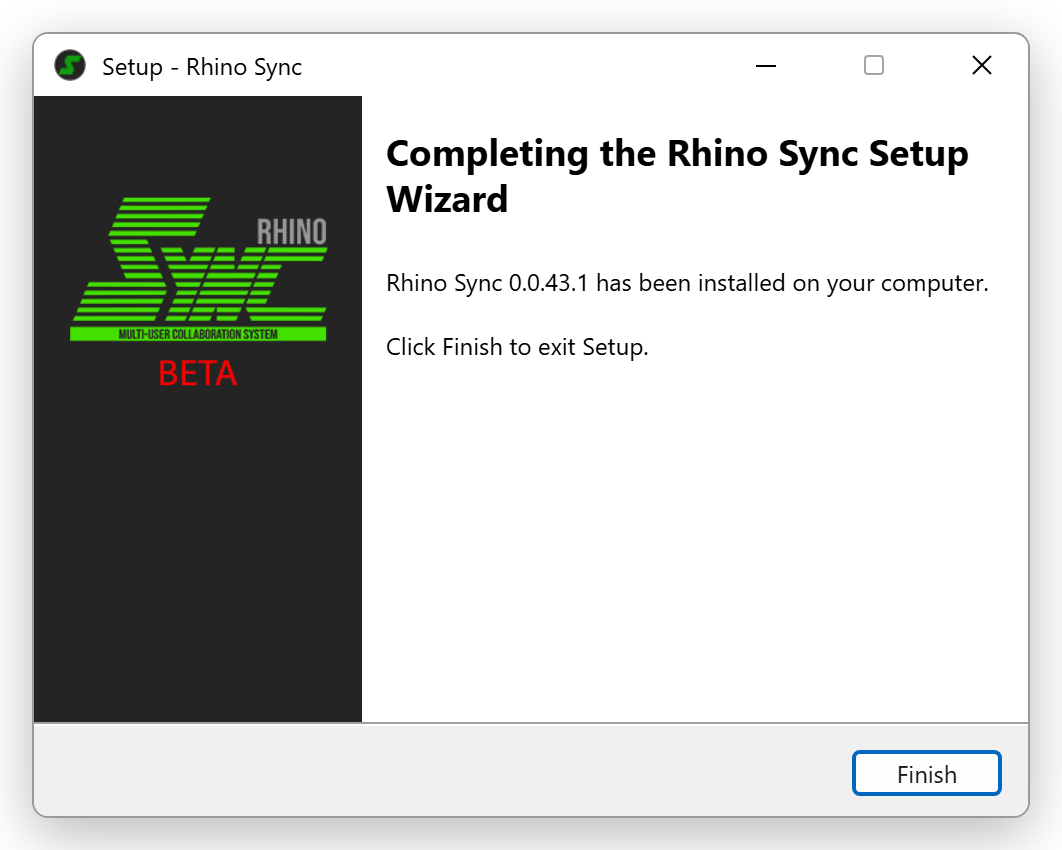
Click **Finish** when setup completes.
{% endstep %}
{% step %}
### Start Rhino
Start Rhino. The **Sync** panel opens next to **Layers**. See [Rhino Sync Panel](/collaboration/rhino-sync-panel.md).
{% endstep %}
{% endstepper %}
## Update
Download the new installer and run it. It replaces the previous version.
## Uninstall
Open Windows **Settings** > **Apps** > **Installed apps**, find **Rhino Sync** and click **Uninstall**.
Uninstalling also deletes the Rhino Sync settings and local copies of the Windows account that runs it. See [Files and locations](/reference/files-and-locations.md).